A flashing battery monitor is not automatically faulty. On some common 500A monitors, including the Kings unit, flashing can simply show that current is moving in or out. The more useful checks are whether the monitor shows a fault code, whether charging and discharging point the right way, whether every negative cable passes through the shunt, and whether the battery capacity has been set correctly.
A fault code, backwards reading, zero-current display and inaccurate percentage can have different causes. Note what the monitor shows and what equipment is operating, then compare it with the instructions for the exact model. Do not alter high-current battery connections based on this general guide.
What a battery shunt actually measures
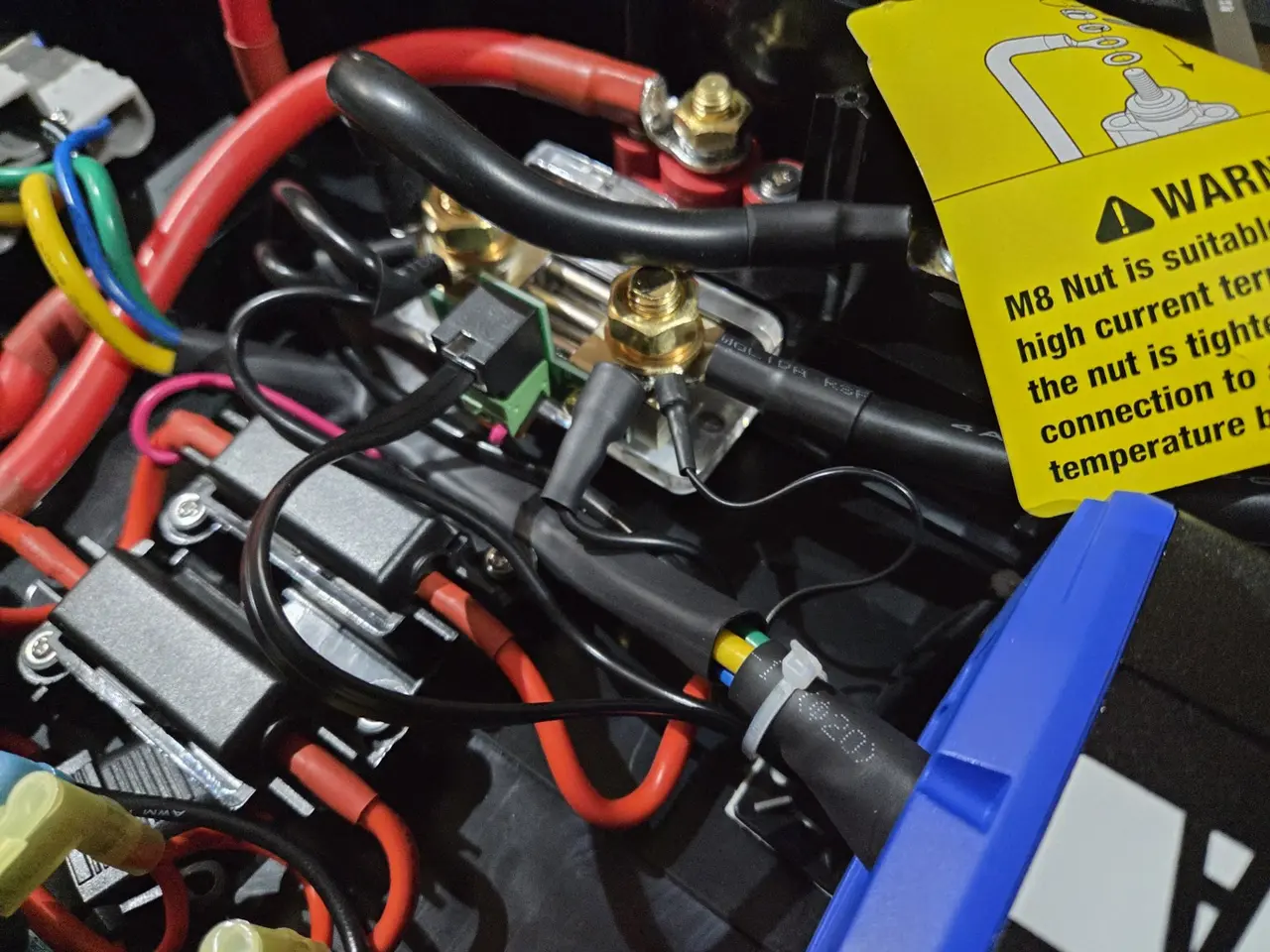
A shunt is a precision measuring point installed in the battery's negative path. The monitor measures the tiny voltage drop across it to calculate current, then counts amp-hours in and out to estimate state of charge. Voltage alone cannot reliably tell you the percentage of a lithium battery while it is in normal use.
The key phrase is all current. If an inverter, charger, solar controller, fridge circuit or chassis earth has a separate connection straight to battery negative, that current bypasses the shunt. The equipment still works, but the monitor cannot count it.
Quick symptom guide
| Symptom | Common cause | What it may suggest |
|---|---|---|
| Screen or backlight flashes | Normal current indication, setting mode or an alarm | Compare the display with the model's manual |
| Charging appears as discharge | B− and P− reversed | Shunt orientation or installation may need inspection |
| Always reads 0A | Loads and chargers are bypassing the shunt | Some current paths may not be measured |
| Some loads appear, others do not | One circuit has a separate negative return | One circuit may not pass through the measuring point |
| Percentage stays at 100% | Reversed current, bypassed loads or wrong full-charge settings | Current measurement or full-charge settings may be wrong |
| Percentage drops too quickly or slowly | Wrong battery-capacity setting | The programmed capacity may not match the battery |
| Display is blank or resets | Supply fuse, positive sense wire, plug or low-voltage setting | The monitor may be losing its supply or signal |
Why is the battery monitor flashing?
There is no universal meaning across every brand. On the Kings 500A Battery Monitor, Kings says flashing is normal when there is input or output in the system. On similar displays, a single number flashing at a steady one-second rate may mean the unit is in a settings menu. A buzzer, warning symbol or fault code points to a programmed alarm instead.
Do not diagnose it from the flashing alone. The equipment operating at the time, the IN/OUT symbol, live current and any warning code provide useful context. Rhythmic flashing shown as normal in a manufacturer's manual is different from a display that randomly resets or loses power.
Kings F1, F2, F3 and F4 codes
- F1: over-voltage alarm.
- F2: under-voltage alarm.
- F3: over-current alarm.
- F4: over-temperature alarm.
Muting an alarm does not remove its cause. Treat an F-code as a reason to consult the manual or have the system inspected. Do not raise an alarm limit without confirming it is suitable for the battery, charger, cabling and connected equipment.
Battery monitor showing charge and discharge backwards
If the percentage rises while loads are operating and falls while charging, reversed current measurement is one possible cause. Manufacturers commonly label the two sides of a shunt as battery-side and power, load or system-side. The exact terminals and supported settings vary between models.
KickAss identifies B− as the battery-negative side and P− as the power-negative side on its 500A monitor. Renogy also lists shunt orientation and connections among the causes of incorrect readings. These details are useful when describing the symptom to the manufacturer or an auto electrician; they are not instructions to move cables on an installed battery system.
Why the shunt reads zero amps
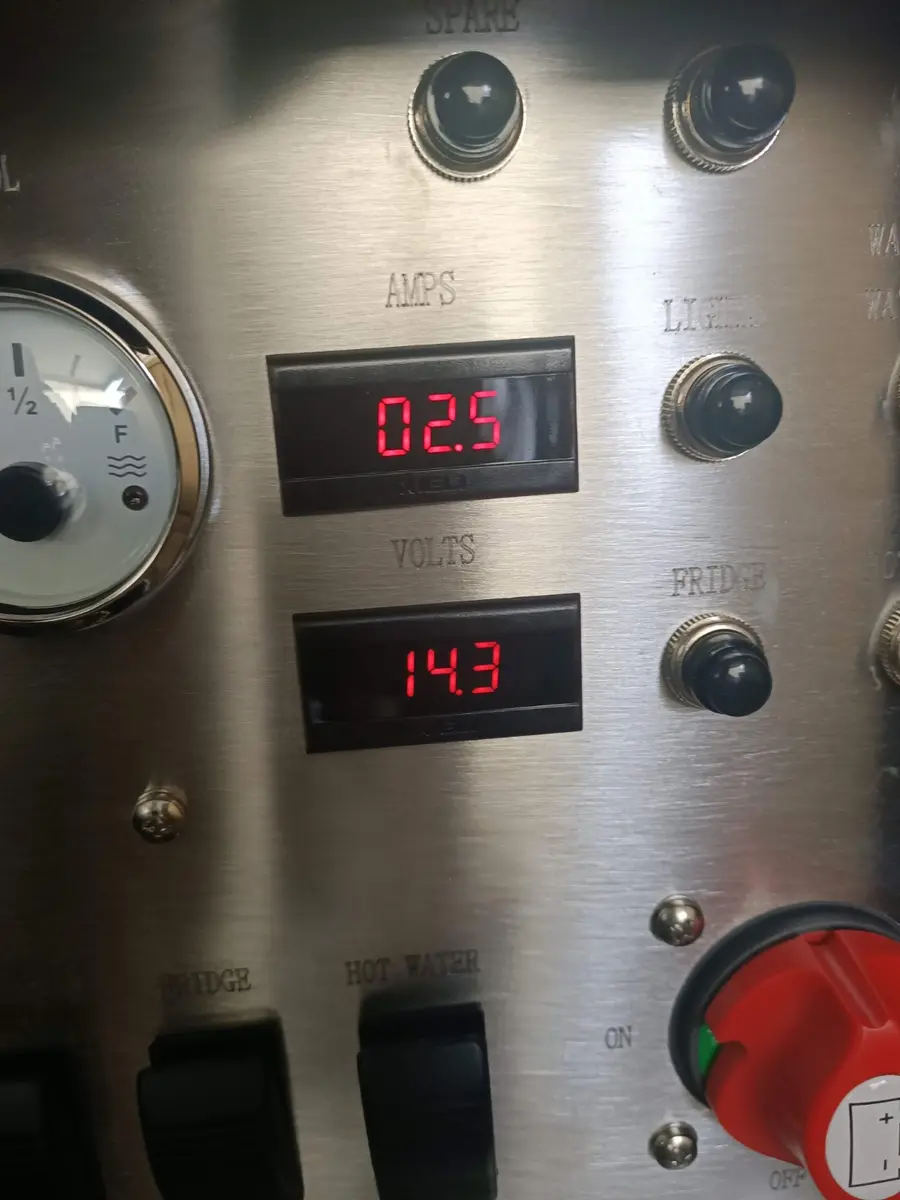
A monitor can show battery voltage while reporting no current. Possible causes include equipment being between operating cycles, a connection or signal problem, or a charge or load path that is not being measured by the shunt. If some equipment appears on the display and other equipment does not, that pattern is useful information for the installer.
Avoid opening a battery box or moving high-current connections just to investigate a zero reading. Record the monitor model, displayed voltage, current and which equipment was operating, then use the manufacturer's troubleshooting process or have the installation inspected.
Why the battery percentage is wrong
A shunt does not inspect the battery and discover its capacity. You have to tell it the bank size, and it has to see every amp-hour going in and out. An incorrect percentage is usually caused by one or more of these:
- The capacity setting does not match the battery bank.
- The monitor was set to 100% before the battery was genuinely full.
- A charger or load bypasses the shunt.
- The shunt is counting current in the wrong direction.
- The monitor lost power and missed activity while disconnected.
- Full-charge voltage, tail-current or detection settings do not suit the battery and charger.
- The battery's real capacity has fallen with age or damage.
Repeatedly forcing the display back to 100% can hide the underlying cause. Use the manufacturer's synchronisation procedure for the exact monitor and battery, or ask the system installer to confirm the current measurement and settings.
Brand-specific notes
Flashing with input or output can be normal. F1–F4 are separate alarm indications. Capacity and installation details should be checked against the Kings instructions.
KickAss identifies B− as the battery side and P− as the power/system side. Settings such as CAP, FCV, LCA, ZCV and POV vary with the battery; use KickAss's current instructions for the exact setup.
Renogy's troubleshooting material lists the monitor supply, plug, shunt orientation and connections as possible causes of incorrect readings. A flashing backlight should be interpreted using the exact model manual.
Wrong state of charge can involve battery capacity, charged voltage, tail current, charged-detection time or missed current. Victron's app and history data make diagnosis different from a basic round LCD monitor, so use the settings for your exact model.
Information worth recording
Before contacting the manufacturer, retailer or an auto electrician, note:
- The monitor's brand, model and any fault code.
- The displayed voltage, current and percentage.
- Whether the system was charging, powering equipment or apparently idle.
- Whether the reading is constant, intermittent or only affects certain equipment.
- Any recent installation work, flat battery, power interruption or settings change.
This article explains common display symptoms; it is not installation or repair advice. Do not loosen, relocate or test high-current battery connections based on this guide. A 12V battery bank can deliver enough fault current to cause burns or fire. Follow the product manual and use a suitably qualified auto electrician when wiring or installation needs to be checked.
The bottom line
Incorrect readings are commonly associated with unmeasured current paths, reversed measurement or settings that do not match the battery. Flashing can be normal on some monitors, but a fault code, repeated reset, impossible reading, heat, smell or discolouration warrants professional inspection. Use this guide to understand and describe the symptom—not to alter the installation.
Brand details were checked against manufacturer support material from Adventure Kings, KickAss, Renogy and Victron. Controls and settings vary by model and revision, so follow the manual supplied with your monitor. AMP'D is independent and is not affiliated with these monitor brands.
Once the shunt is counting accurately, record a full day's amp-hour use and enter your loads into the AMP'D 12V calculator to size the battery, solar and DC-DC charging around real use.